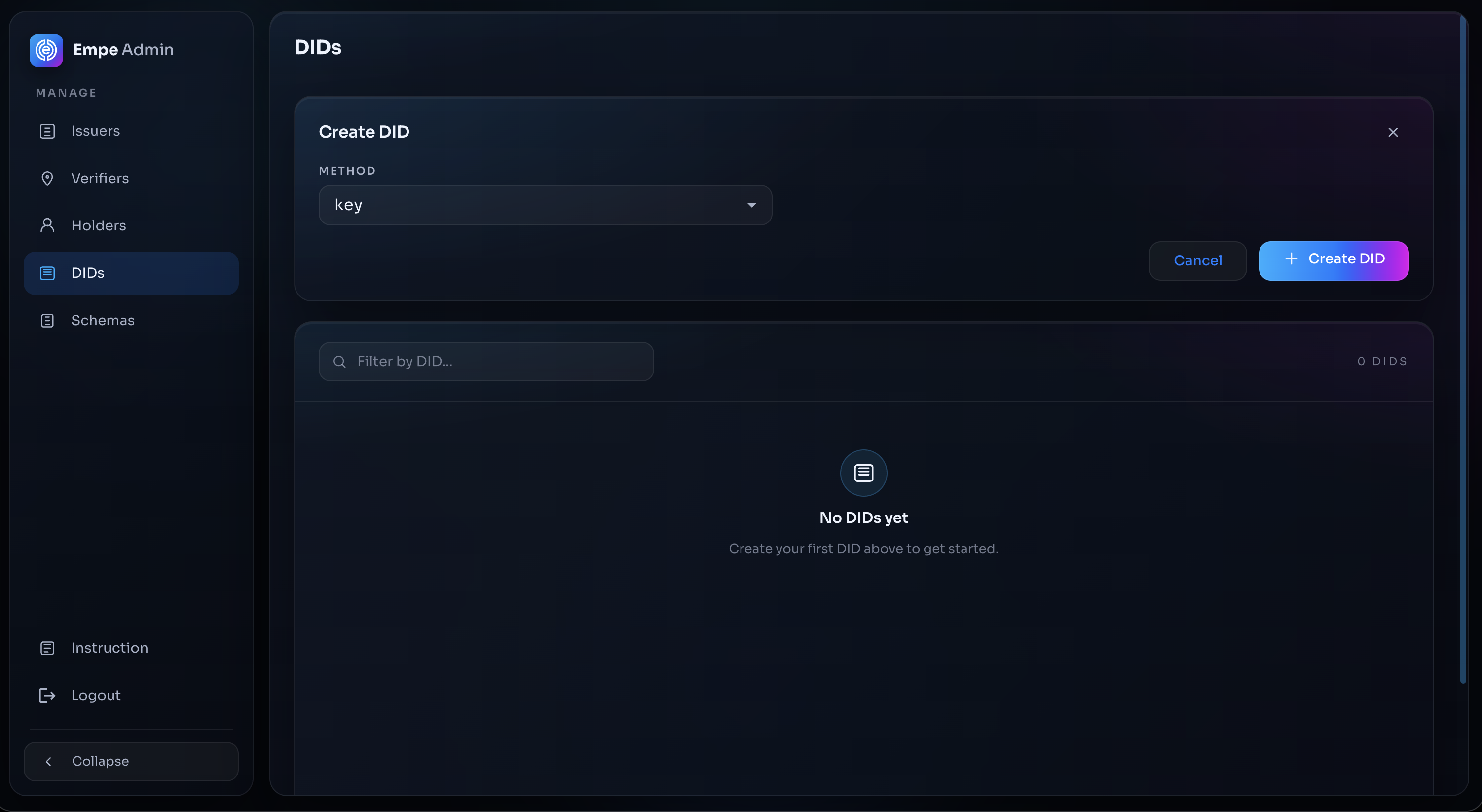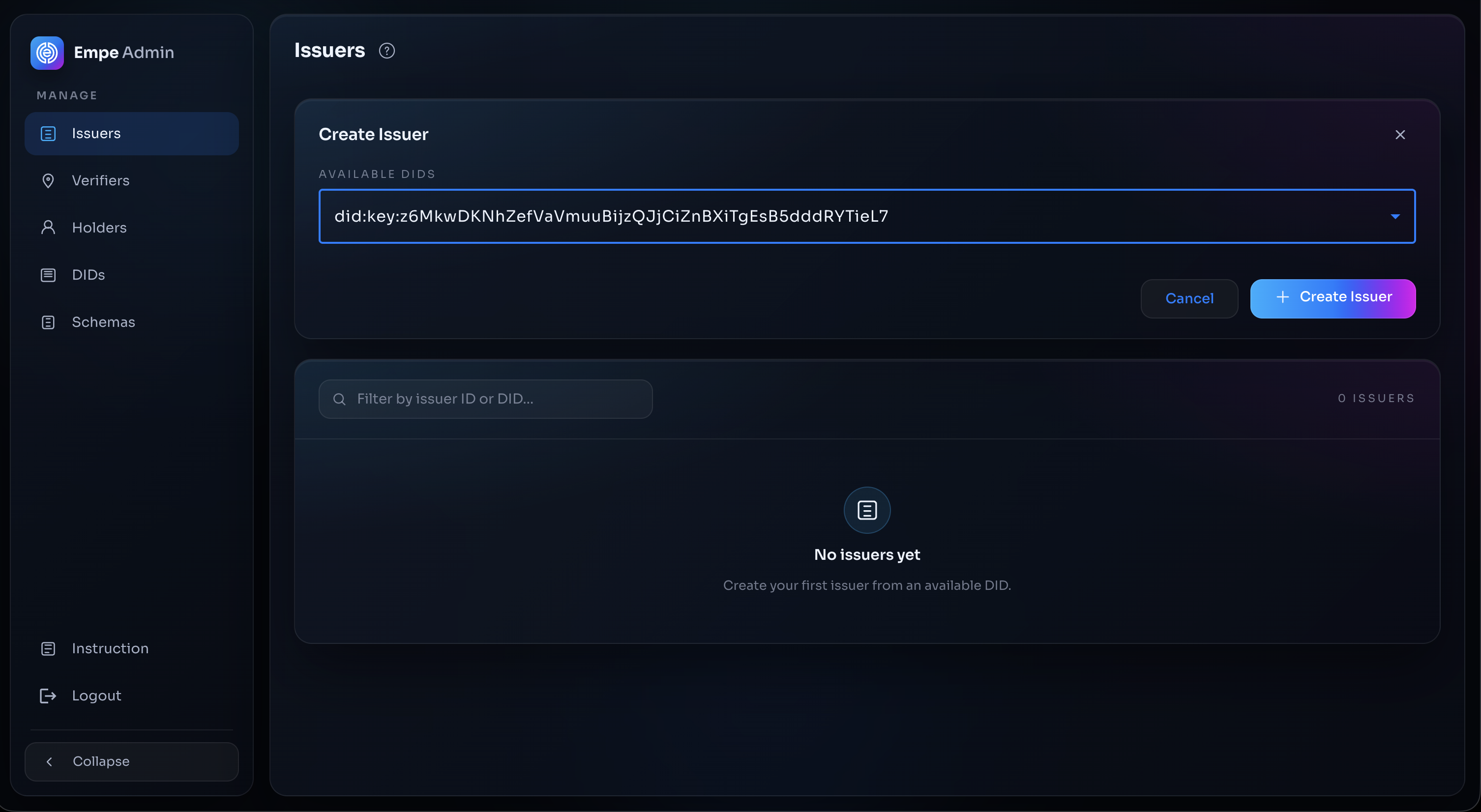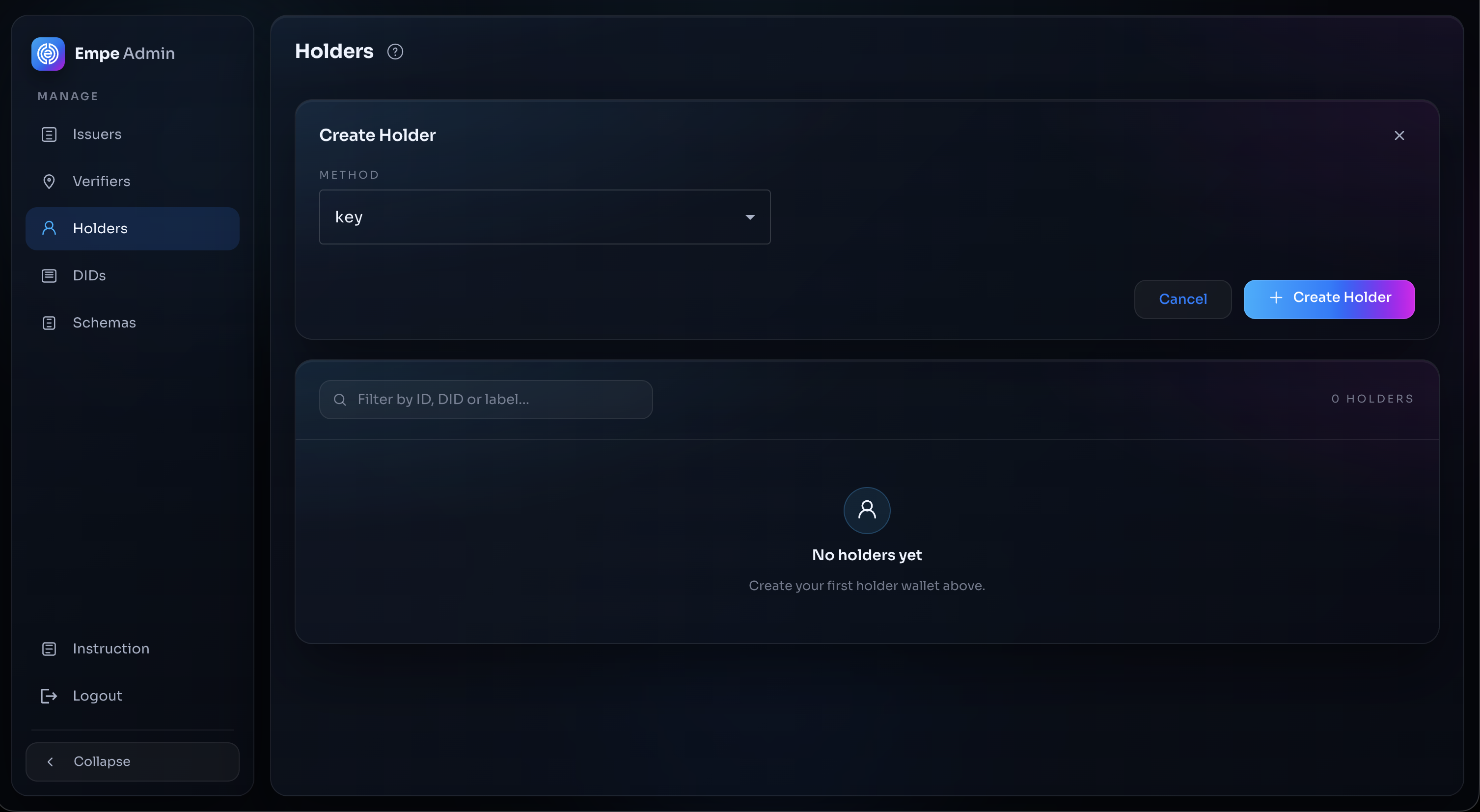
> For the complete documentation index, see [llms.txt](https://docs.empe.io/llms.txt). Markdown versions of documentation pages are available by appending `.md` to page URLs; this page is available as [Markdown](https://docs.empe.io/develop/intro.md).

# One-click deployment

EVDI One-Click Deployment lets a developer or solutions architect stand up verifiable-credential infrastructure without first dealing with Kubernetes configs, Docker images, decentralized-identity setup, and key management.

The alpha release focuses on **rapid SSI setup**—a complete, fully hosted Issuer and Verifier service (with a cloud wallet server) spun up in minutes. Each deployment exposes credential APIs over standard web protocols: **OpenID4VCI** for issuing credentials and **OpenID4VP** for requesting and verifying presentations. The stack ships preconfigured, so you skip the operational overhead of running your own verifiable-credentials infrastructure.

Under the hood, every deployment manages **self-hosted decentralized identifiers**—`did:web` and `did:key` with Ed25519 signing keys. Your `did:web` documents are served directly by the deployment over HTTPS, so each deployment is fully self-contained. (The EMPE blockchain and the `did:empe` method are separate parts of the Empeiria ecosystem.) Each deployment ships with built-in **credential schema management**, **credential offer issuance** via QR code and deep link, and **verification request** flows—so you can issue and verify **SD-JWT VC** and **JWT-VC-JSON** credentials end to end without writing low-level protocol code.

**On the roadmap**: secure AI agent interactions, so developers can embed verifiable data directly into autonomous agents. This is planned work, not part of today's release.

## Key Features

* **Automated Deployment**: Spin up a complete Issuer and Verifier service in minutes.
* **Open Standards**: Issue and verify credentials via OpenID4VCI and OpenID4VP, in SD-JWT VC and JWT-VC-JSON formats.
* **Self-Hosted Identity**: `did:web` and `did:key` are created and served by the deployment—no chain dependency.
* **Secure Defaults**: Preconfigured Ed25519 signing keys, managed key storage, and sensible privacy defaults out of the box.

## In the operator console

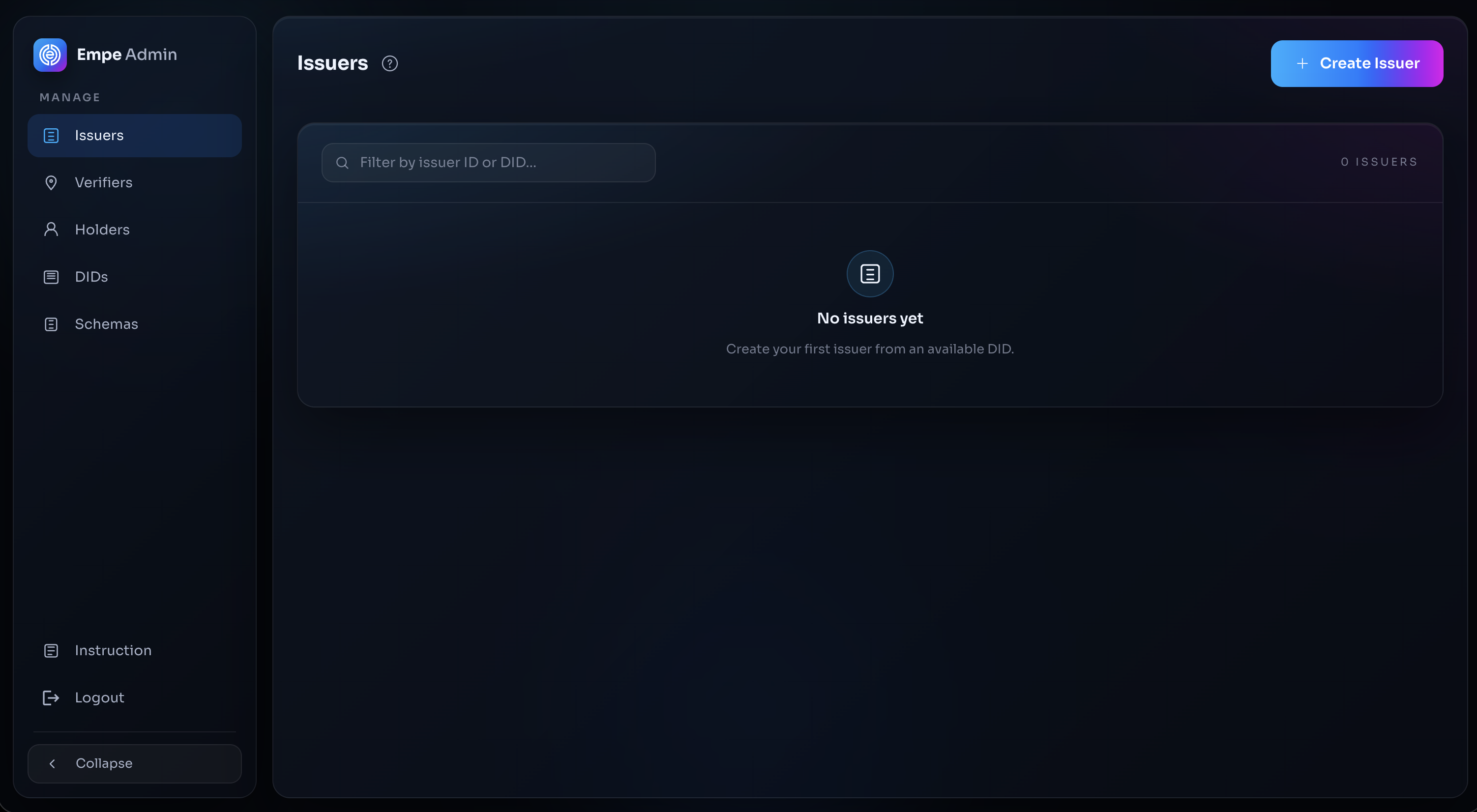
Each deployment ships with an operator console where you manage day-to-day SSI operations. Its sidebar screens are **Issuers**, **Verifiers**, **Holders** (cloud wallets), **DIDs**, and **Schemas**, and each Issuer's detail page includes a **DID Document** viewer. You reach it at the deployment's **Admin GUI URL** and sign in through Keycloak.

<figure><img src="/files/HltkH1Onv51o84fygxFs" alt="Operator console with sidebar"><figcaption><p>The operator console (Issuer Admin) with its sidebar: Issuers, Verifiers, Holders, DIDs, and Schemas</p></figcaption></figure>

### Signing in to the console

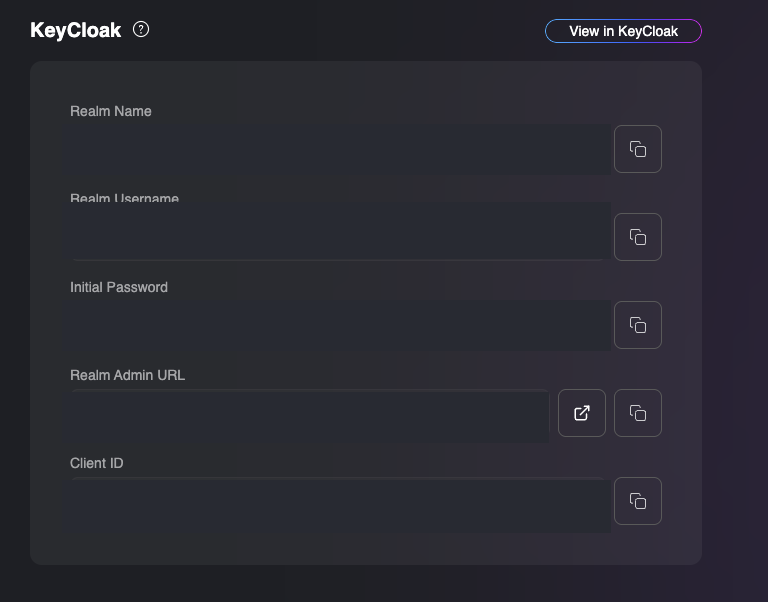
To sign in, open your deployment on the **One-Click Dashboard** and go to its **Keycloak Config** tab. It shows the credentials you use to log in: **Realm Name**, **Realm Username**, **Initial Password**, **Realm Admin URL**, and **Client ID**. Open the deployment's **Admin GUI URL** and sign in with the **Realm Username** and **Initial Password** shown here.

<figure><img src="/files/bLpE0ORLaZdSE6MZETuz" alt="Keycloak Config tab on the One-Click Dashboard"><figcaption><p>The Keycloak Config tab on the One-Click Dashboard — the credentials for signing in to the operator console (values redacted)</p></figcaption></figure>

**Alpha Release**: This is an early release and new features are added regularly. Sign up at [**oneclick.empe.io**](https://oneclick.empe.io/) and choose the **Sandbox** plan (first 30 days free) from the plan list to start deploying at no cost. Questions? Contact [**evdi@empe.io**](mailto:evdi@empe.io?subject=One-Click%20Deployment).


---

# Agent Instructions
This documentation is published with GitBook. GitBook is the documentation platform designed so that both humans and AI agents can read, navigate, and reason over technical content effectively. Learn more at gitbook.com.

## Querying This Documentation
If you need additional information that is not directly available in this page, you can query the documentation dynamically by asking a question.

Perform an HTTP GET request on the current page URL with the `ask` query parameter, and the optional `goal` query parameter:

```
GET https://docs.empe.io/develop/intro.md?ask=<question>&goal=<endgoal>
```

`ask` is the immediate question: it should be specific, self-contained, and written in natural language.
`goal` is optional and describes the broader end goal you are ultimately trying to accomplish on behalf of the user. GitBook uses it to tailor the answer towards what is most useful for that goal.

The response will contain a direct answer to the question and relevant excerpts and sources from the documentation.

Use this mechanism when the answer is not explicitly present in the current page, you need clarification or additional context, or you want to retrieve related documentation sections.